
Electrical Circuit Planning for a Home Office With Multiple Devices
Planning a home office with multiple devices starts with sound Electrical Circuits that handle computers, monitors, printers, and chargers without trips or heat. Burleson, Texas homeowners trust Burleson A.T Electric LLC to size loads, place outlets, and plan dedicated runs. Early layout choices keep work smooth and code-compliant as your gear expands.
Key takeaways
- List every device wattage before placing outlets or runs.
- Prefer dedicated circuits for high-draw desks and printers.
- Balance loads across breakers to limit nuisance trips.
- Add surge protection where sensitive electronics sit.
How should you plan circuits for many office devices?
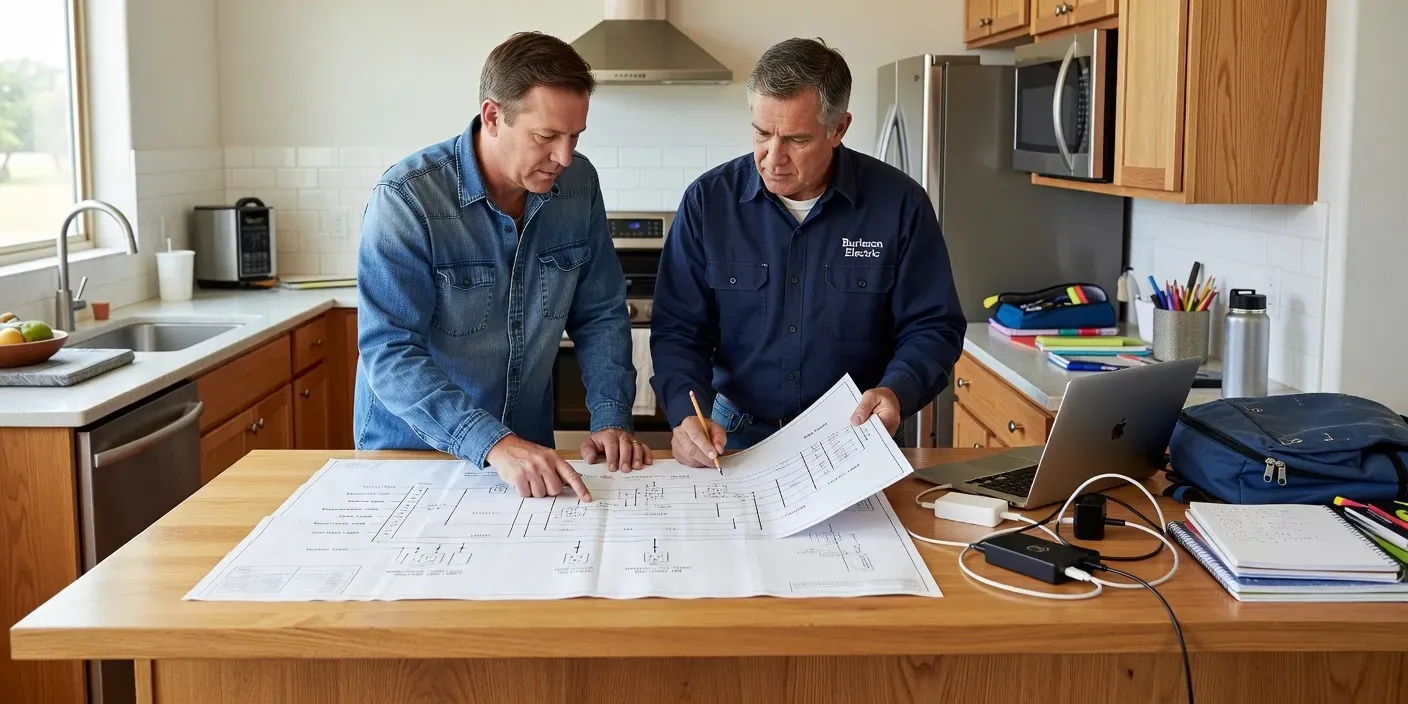
Map total continuous load, separate high-draw gear onto dedicated runs, and space outlets so cords stay short and cool; that approach reduces trips and heat while keeping Burleson, Texas home offices productive. Professional electrical circuits work covers panel capacity, wire sizing, and GFCI or AFCI where required. Sketch the desk wall, note shared rooms on the same breaker, and leave headroom for future monitors or docking stations. For a walkthrough of your space, contact the team to set next steps.
Which circuit layout works best for a multi-device desk?
Shared general-purpose runs suit light chargers and lamps, while dedicated 20-amp circuits better serve dual monitors, towers, and laser printers; hybrid layouts mix both so Burleson, Texas home offices avoid trips, keep cords short, and leave panel headroom as devices grow without overloading a single breaker or heating outlets.
| Option | Best for | Watch-out |
|---|---|---|
| Shared 15A branch | Lamps, phone chargers, low-draw accessories | Easy overload when monitors join the same run |
| Dedicated 20A desk circuit | PC, dual monitors, docking station | Needs correct wire size and clear labeling at the panel |
| Separate printer circuit | Laser printers and scanners with heat cycles | Do not daisy-chain other high-draw gear on it |
| Hybrid shared + dedicated | Growing home offices with mixed loads | Balance breakers so one wall does not hog capacity |
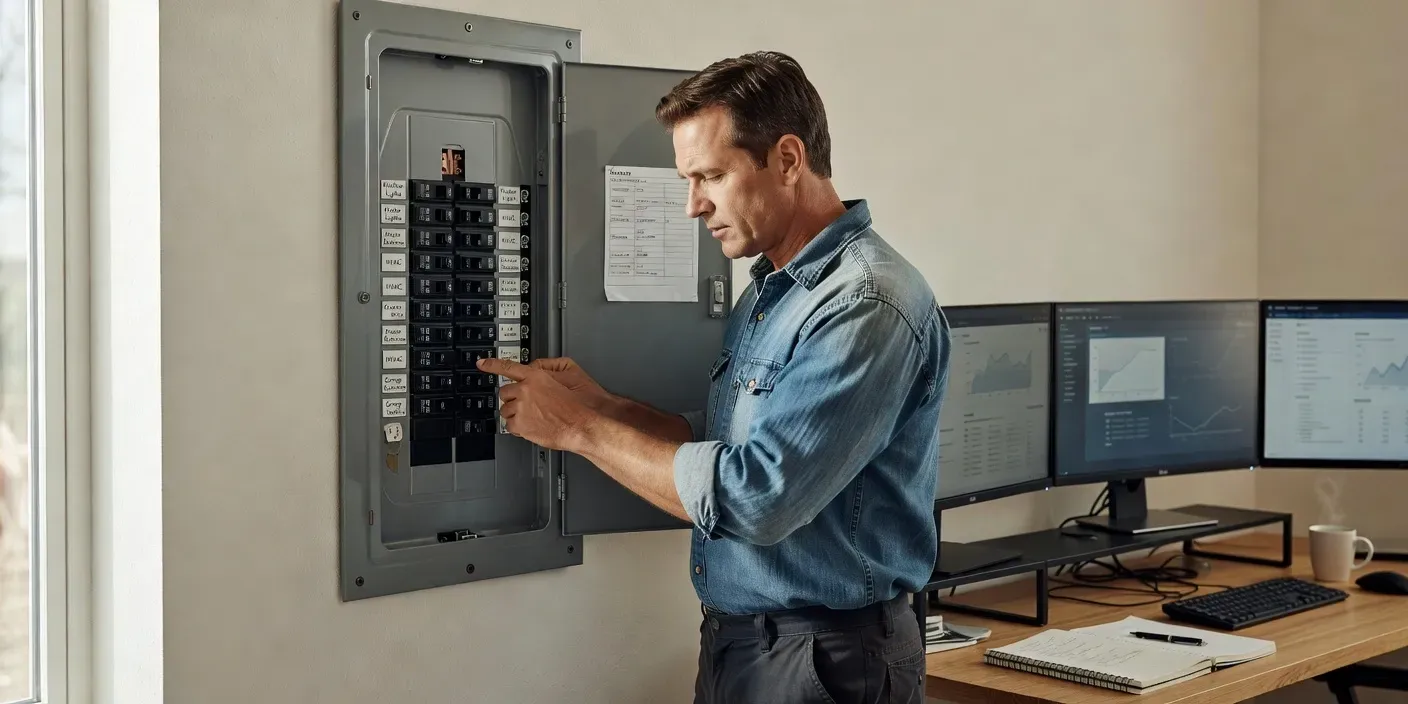
Sketch wattage per device, then assign high continuous loads to dedicated runs. Keep general outlets for intermittent chargers only. Space receptacles along the desk wall so power strips stay minimal and cool. Confirm AFCI or GFCI needs for the room type before any rough-in. A clear map of breakers helps when you add another screen later without surprise trips during calls.
Which Electrical Circuits Fit a Growing Burleson Desk Wall?
Dedicated 20-amp electrical circuits handle continuous PC, monitor, and dock loads best, while a shared 15-amp branch covers lamps and chargers; Burleson, Texas homeowners who mix both keep breakers cool, shorten cord runs, and leave panel space for a future printer or second workstation without nuisance trips or warm outlets during long workdays.
Map each wall outlet to a labeled breaker before you buy furniture. Place the high-draw receptacles behind the main tower so power strips stay short. Leave general-purpose outlets for phones and task lights only.
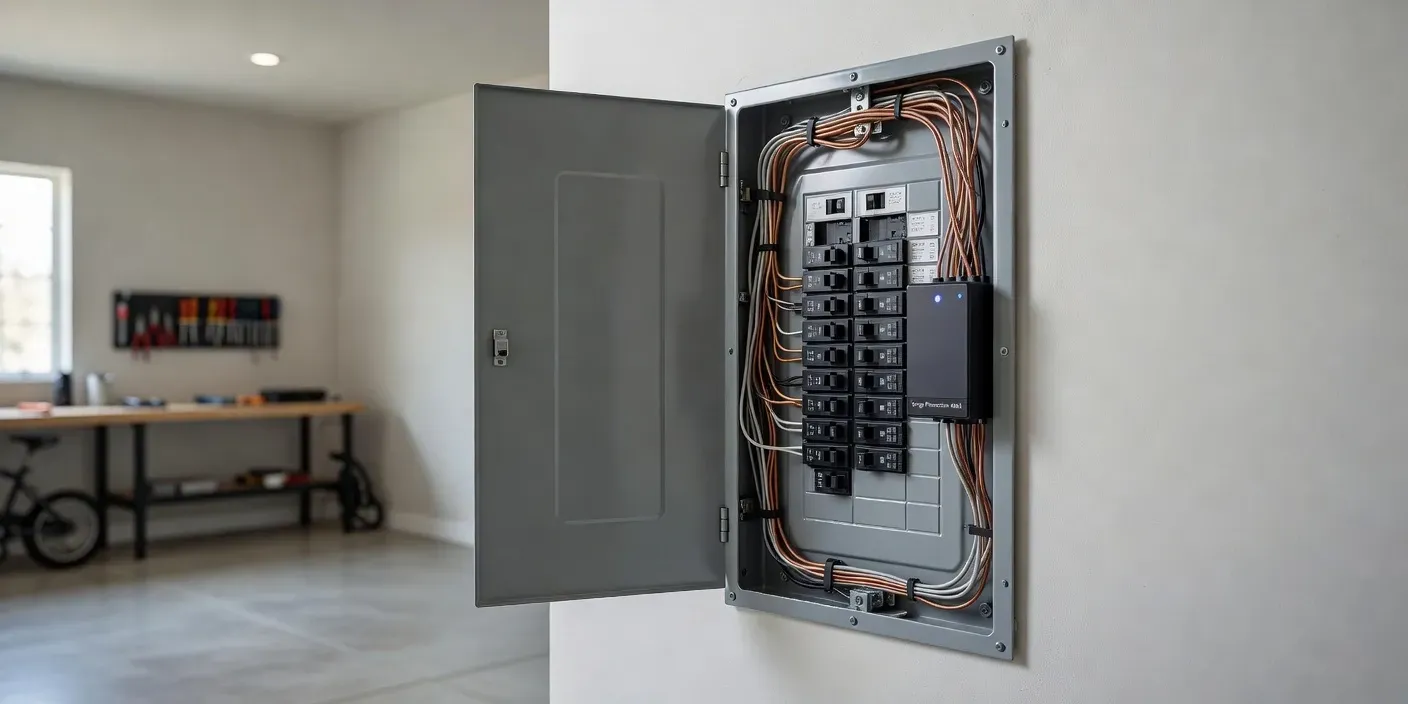
Confirm wire gauge matches the breaker rating and that AFCI protection meets current code for the room. Avoid stacking laser printers on the same run as the computer. A simple one-line diagram taped inside the panel door saves time when you add another screen later.
Burleson A.T Electric LLC designs and installs these electrical circuits for local home offices so loads stay balanced and labeled. When you are ready for a site walk-through and panel check, contact the team to schedule the next step.
How Do You Size Loads Before Adding Outlets?
Count continuous watts for the PC, monitors, dock, and any always-on gear, then size dedicated electrical circuits so continuous load stays near 80 percent of breaker capacity; Burleson, Texas home offices that separate high-draw gear from lamps and phone chargers reduce heat at receptacles and keep shared branches free for light accessories during long remote-work days.
List nameplate ratings from each device. Convert amps to watts if needed. Group only low-draw items on a general branch. Keep laser printers and space heaters off the computer run. Recheck the panel schedule so spare slots remain for a second desk later.
What Layout Choices Reduce Cord Clutter?
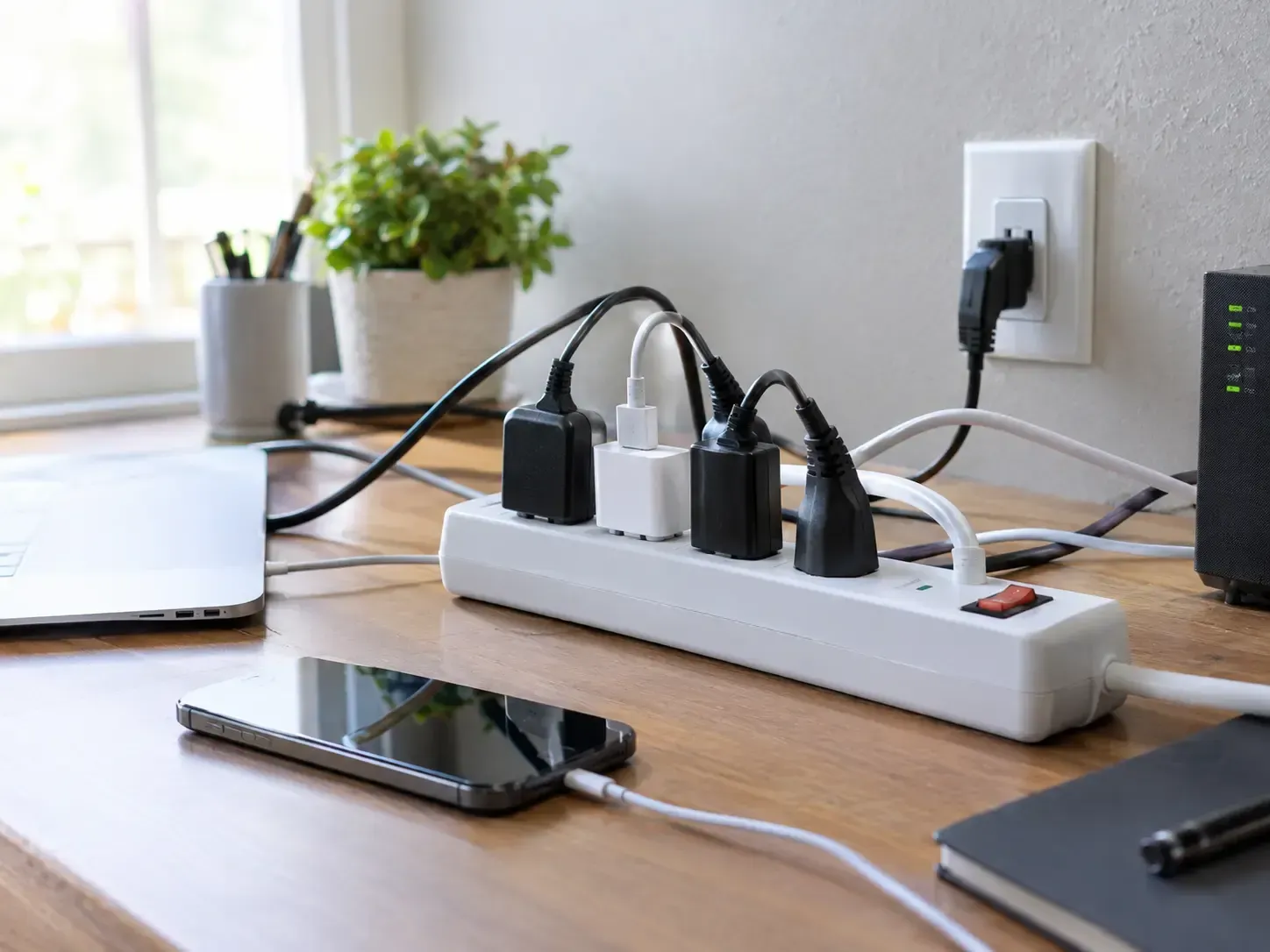
Place receptacles where the tower and monitors will sit, use short surge strips on dedicated electrical circuits, and keep charging only on general outlets so Burleson homeowners avoid daisy-chained strips, tripped breakers, and warm wall plates when several devices run together through the workday.
Mount boxes at heights that clear baseboards and cable trays. Label cover plates to match breaker numbers. Route low-voltage data separate from power. Leave one spare receptacle for a future docking station without moving furniture again.
Code and Safety Checks in Burleson Homes
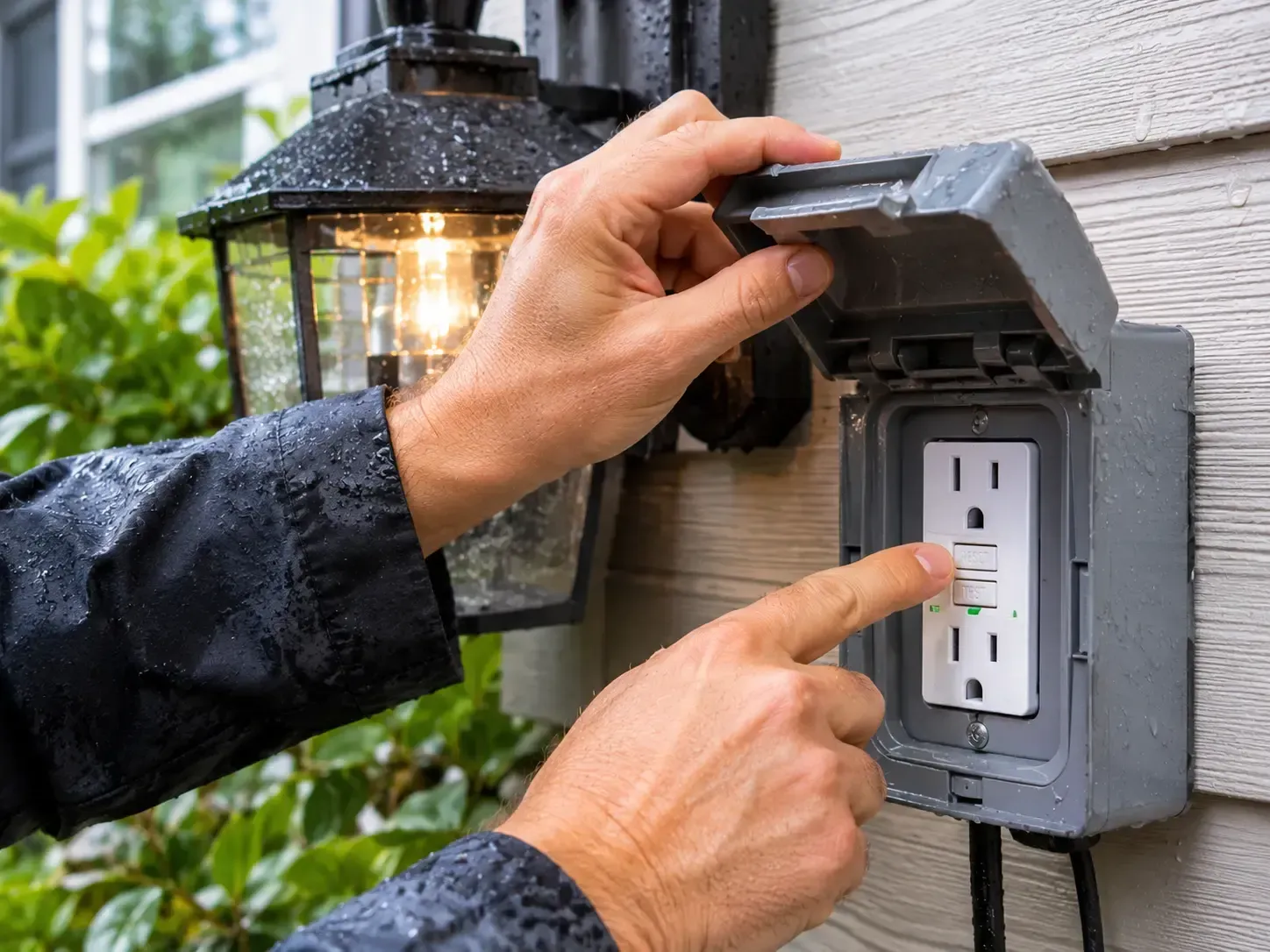
Verify AFCI protection, correct wire gauge for the breaker, and grounded receptacles before loading the wall. Local practice favors clear panel labels and balanced phases so added monitors do not share a weak shared branch with kitchen or garage loads.
A quick amp clamp check under full desk load confirms the plan. If readings climb near the continuous limit, stop and reassign devices rather than forcing more plugs onto one circuit.
Frequently Asked Questions
How many amps should a home office circuit provide?
A dedicated twenty-amp circuit is the practical baseline for multi-monitor desks in Burleson homes. Keep continuous draw near sixteen amps, use twelve-gauge copper, and reserve other branches for printers or heaters so long remote-work days stay stable without shared trips.
Should monitors and a NAS share one electrical circuit?
Yes when total continuous load stays under eighty percent of the breaker and outlets are labeled. Place laser printers and space heaters on a different run. Early planning keeps cable paths short and AFCI protection focused on the desk branch alone.
What wire gauge fits a twenty-amp office run?
Twelve AWG copper matches a twenty-amp breaker and limits wall heat under continuous computer loads.
Preferred Source on Google Search
Add www.burlesonatelectric.com to customize your search feed across Top Stories.